Check 11Exch App Availability First
Before starting an 11Exch App Download, check the information currently published on the website. Do not assume that an application is available simply because a third-party page displays the website name or logo.
If a verified download option is provided, review the available instructions and confirm that the source is legitimate. Avoid files sent through unsolicited messages, unknown file-sharing services, or suspicious advertisements.
If no verified application is listed, consider using the website through a compatible mobile browser, if the website supports it.
General Steps Before Installing a Mobile App
The exact installation process depends on the device and the distribution method. These general checks can help you make a more informed decision:
Verify the website address and download source.
Check whether the application supports your device and operating system.
Review the app name, publisher, and available information.
Read the permissions requested during installation.
Avoid installing files from unknown or unverified sources.
Keep your device software updated.
Do not bypass your device’s security warnings just to complete an installation. If the source cannot be verified, it is safer not to proceed.
Using 11Exch Through a Mobile Browser
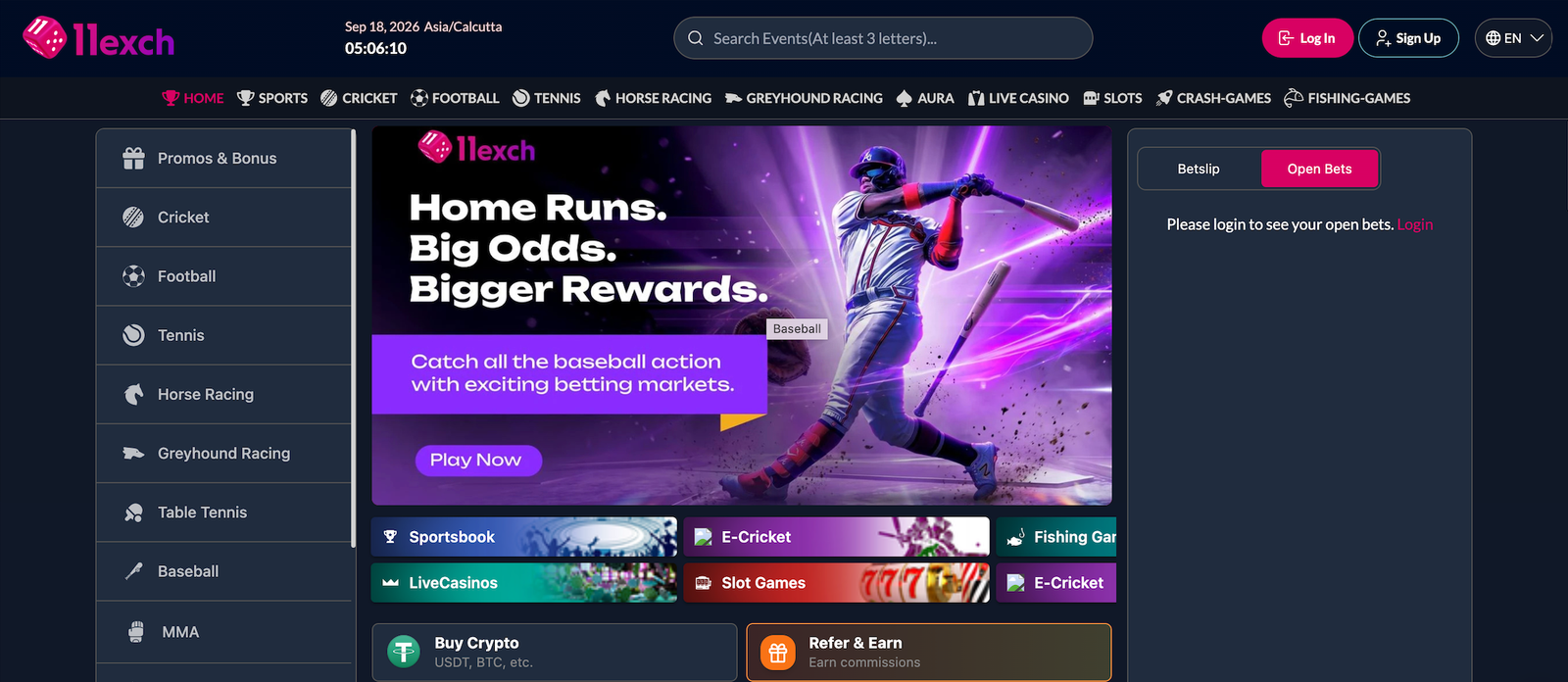
A browser may be a practical alternative when a verified app is not available. Open the website by entering its address directly into an updated browser, then check whether the page displays correctly on your screen.
For account access guidance, visit the 11Exch Login page. Read the instructions provided there and enter credentials only after confirming that the website is genuine.
If you are new to the website, the 11Exch Registration page may contain relevant information about the account setup process. Review all requirements and terms before providing personal information.
Benefits of a Mobile-Friendly Website
A well-designed mobile website can make common navigation tasks easier. Depending on the website’s actual features, visitors may benefit from:
Menus that are easy to use on smaller screens.
Text that can be read without excessive zooming.
Pages that adjust to different screen sizes.
Convenient access through a mobile browser.
Clear links to important information.
These are general characteristics of mobile-friendly websites, not a guarantee that every feature is available on 11Exch.
Mobile Security Tips
Protecting your device is just as important as finding the correct download page. Follow these precautions whenever you browse or install applications:
Download apps only from sources you can verify.
Review requested permissions before accepting them.
Avoid sharing passwords and one-time verification codes.
Do not install unknown files received through messaging apps.
Use a screen lock and keep your operating system updated.
Be cautious of pages that request unnecessary personal or financial information.
If you have questions about website navigation, review the 11Exch Contact Us page and independently verify any contact details before using them.
Common Mobile Download Questions
Is an 11Exch app definitely available?
Availability should be confirmed through a trustworthy website source. Do not rely solely on third-party download pages or forwarded links.
What if the download link does not work?
Check your connection and verify the page address. Do not try alternative files from unknown sources just because the first link fails.
Can I access the website without installing an app?
If the website supports mobile browsing, you may be able to open it directly in your browser. Check the available website instructions.
Should I allow every app permission?
No. Review each permission carefully and avoid granting access that seems unnecessary for the app’s stated purpose.
Final Words
The 11Exch App Download guide helps visitors approach mobile access carefully. Verify application availability, use trustworthy sources, and review device permissions before installing anything. If a verified app is not available, a compatible mobile browser may be an alternative. Protect your credentials and rely on current website information rather than unverified download links.