
@11Exch
11Exch Login Guide: Sign In to Your Cricket Account
Signing in to your 11Exch online cricket ID gives you access to the account features available on the platform. Through your account dashboard, you can check live cricket markets, view match odds, monitor your balance, review account activity, and see available promotions.
11Exch supports access through different devices, so users can sign in from a computer, laptop, smartphone, or compatible mobile browser. After logging in, you can explore upcoming cricket fixtures and access the markets and account information linked to your ID.
How to Complete Your 11Exch Login
- Visit the official 11Exch website or open the app.
- Select “Login” from the top-right section.
- Enter your registered username or email address.
- Provide the password associated with your account.
- Click “Submit” to sign in.
After successful login, your dashboard will show available cricket matches, live markets, applicable promotional offers, account balance, and other relevant account details.
Your preferences are associated with your online cricket ID, allowing you to access your account with your saved settings whenever you return. The dashboard provides a central location for managing account information and checking available cricket updates.
Forgot Your 11Exch Password?
If you have forgotten your account password, select “Forgot Password” on the login page. Follow the displayed recovery instructions to reset your password and restore access to your account.
Once your login is complete, you can use the available account features and explore the cricket markets offered through 11Exch.
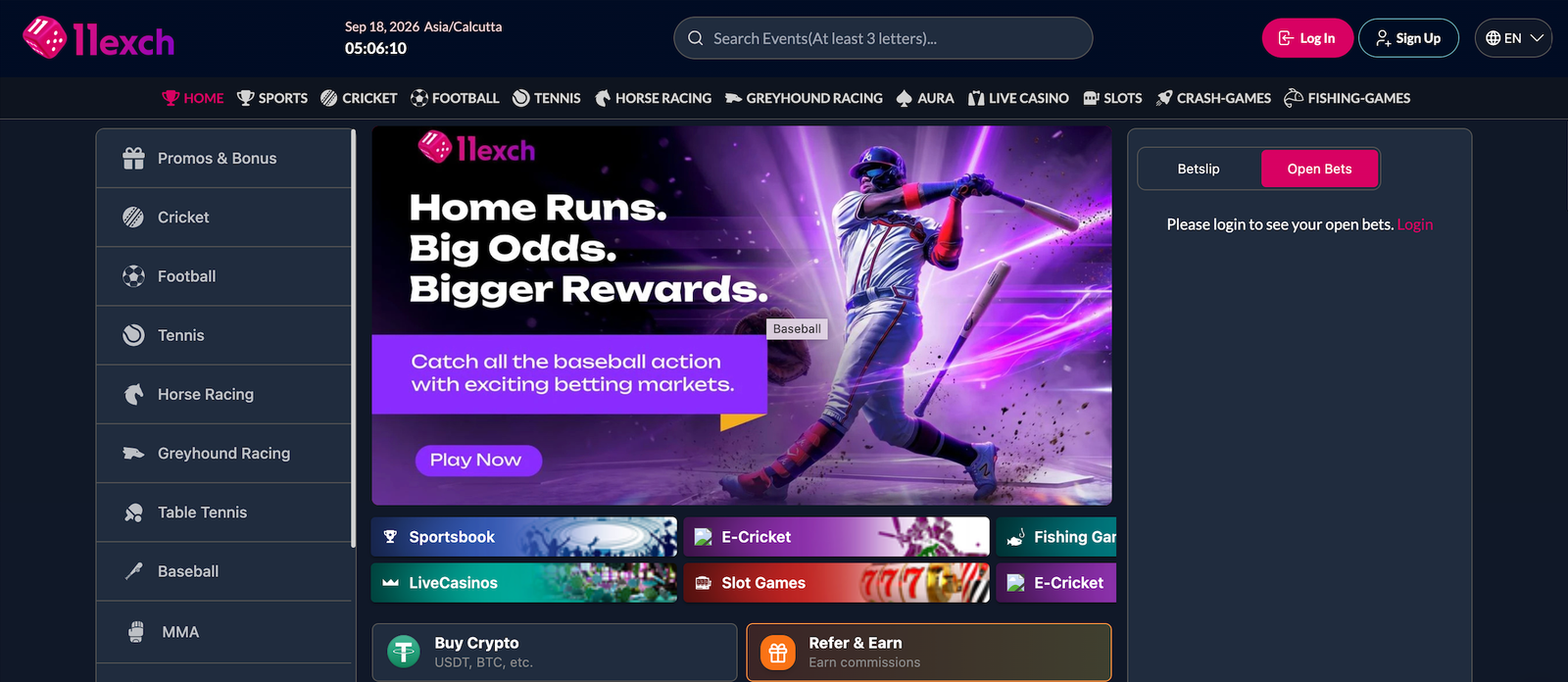
Table of Contents